
rockindaw: a DAW for Windows
Record, arrange, edit MIDI, mix and export. rockindaw runs without an internet connection, songs live as folders on your own disk, and every plugin runs in its own process. The program is in beta: not every feature has been fully tested yet.

Status
Version 0.1.0-rc.9.1 (release candidate)As of 25 Nov 2026456 features:3 confirmed416 tested27 built6 limits4 planned
- System
- Windows 10 or 11, 64-bit. Audio via ASIO, WASAPI as a fallback.
- Plugins
- VST3, CLAP and VST2 (including 32-bit) – each in its own process; a crashing plugin doesn’t take the program down.
- Files
- A song is a folder with a song file and media. Exchange via DAWproject; import from Reaper, Studio One, Cubase and Cakewalk via modules.
- Getting it
- During the beta with an account: program and licence after signing in, see Download.
- Language
- The program, the manual, the full feature list and the web app are currently in German only.
Screenshots
Taken from the running program, unedited. Click to enlarge. Plugin names shown belong to their makers.
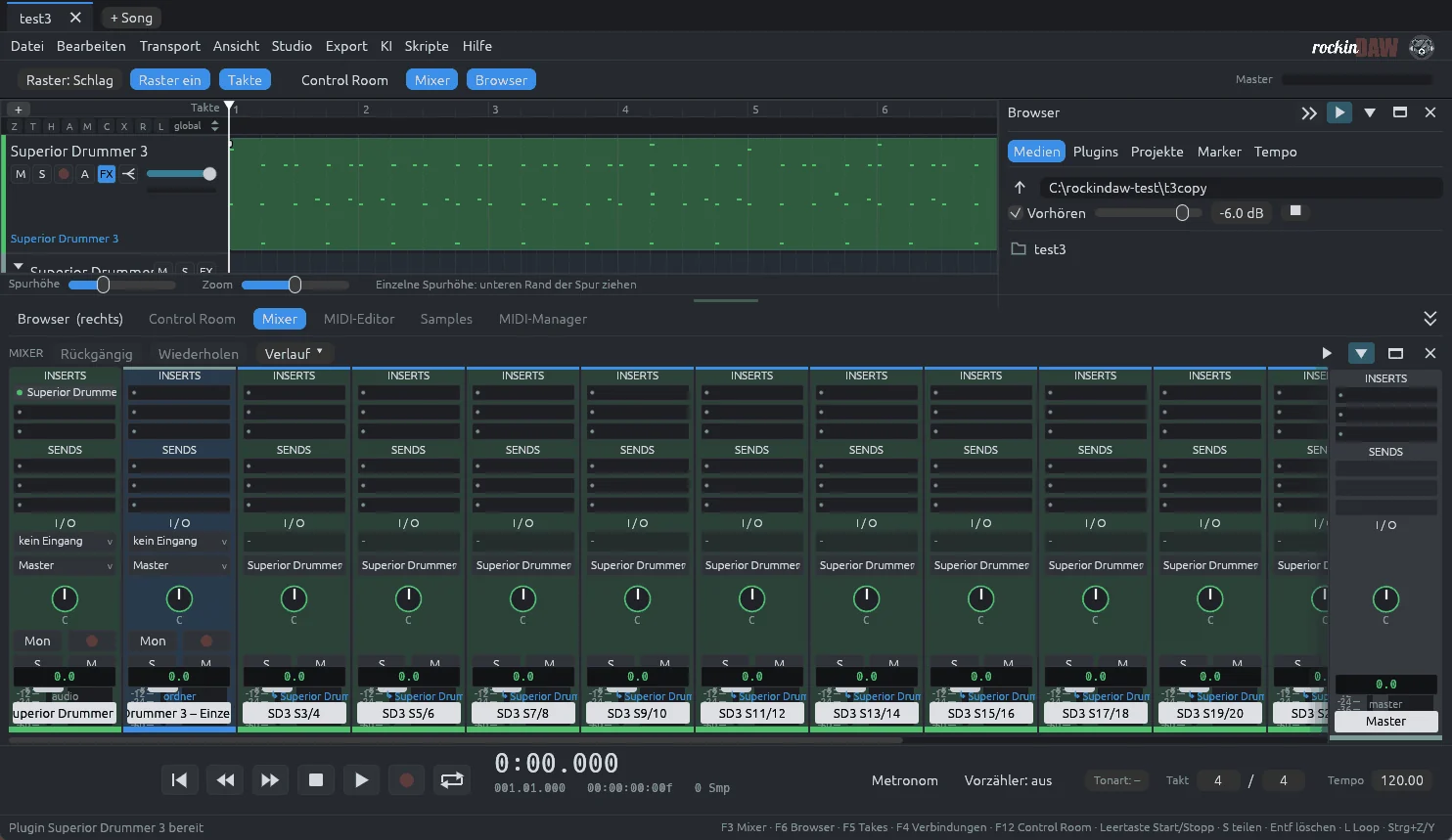
Main window: arrangement, plugin browser, transport
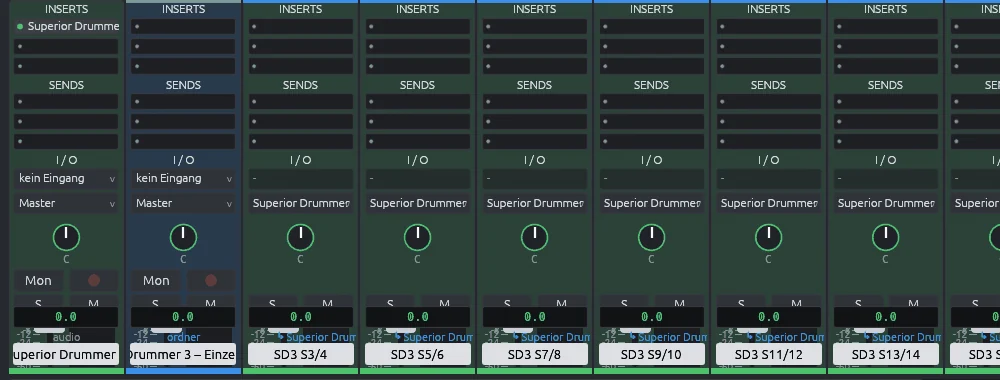
Mixer docked at the bottom
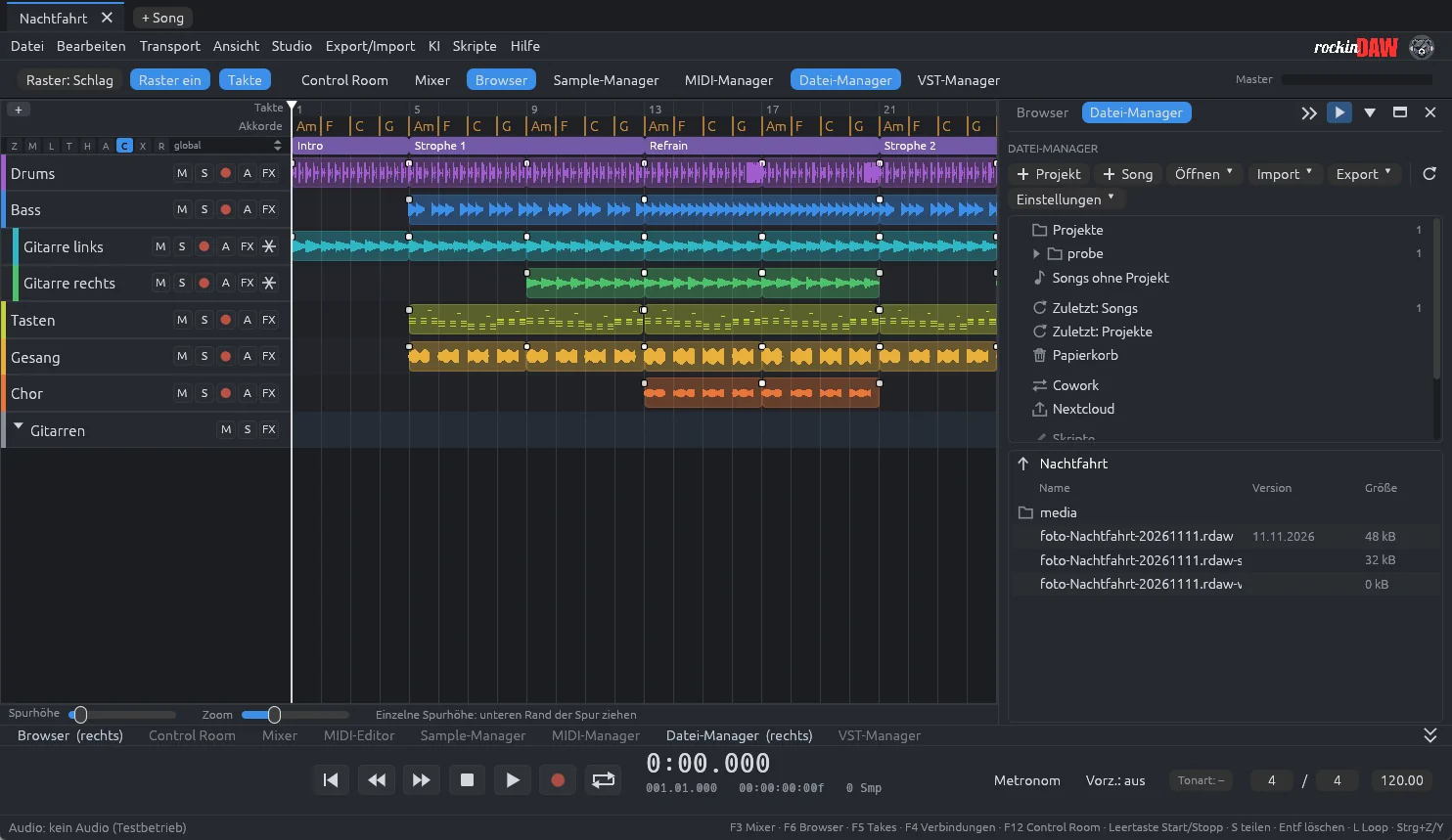
File manager: projects, songs, cloud locations
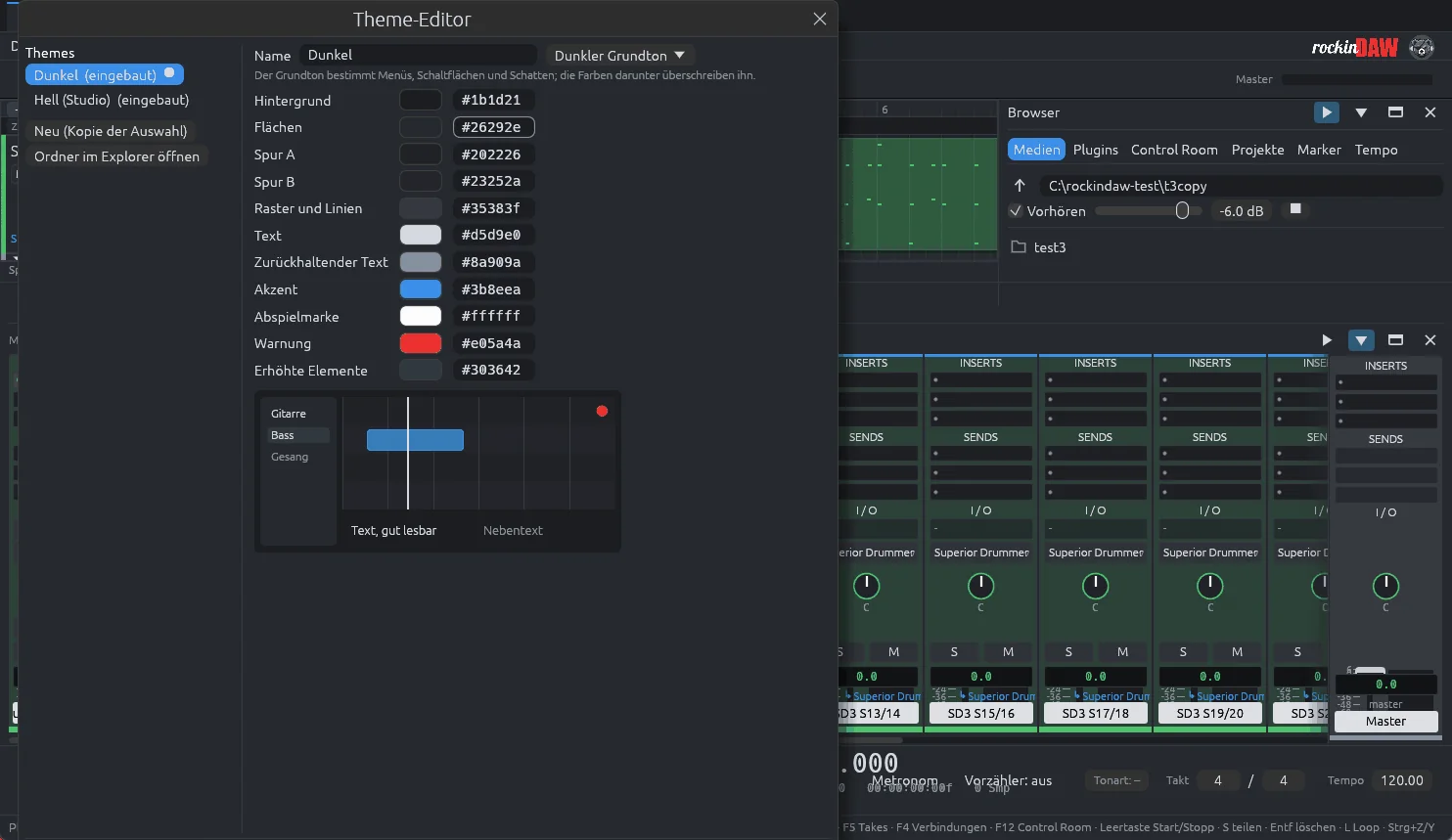
Theme editor
Features at a glance
A short summary. The full list with the test status of every feature is in German.
- Plugin formats
- VST3VST2 (including 32-bit)CLAPARA2 (Melodyne)jBridgeWaveShellevery plugin in its own processplugins on different tracks run in parallelsidechainreplace a plugin with its successor
- Audio and recording
- ASIO with automatic restartWASAPI fallbackWAV/BWF 24-bittakes and compingcomp groups (phase-locked)loop recordinglatency compensationmetronome and count-ininput monitoring
- Arrangement
- audio, instrument, group, FX and folder tracksfades and crossfadesgrid down to 1/64markers and looptempo map with rampstime signature, chord and lyrics tracksrearrange sectionslinked clip copiesper-clip effectsdetect chords from audiofreezeversion history as a tree
- MIDI editor
- piano rollpencilquantize and groovevelocitycontroller lanesevent listdrum mapschord tooltransposehumanizescale lockarpeggiatorMIDI recording
- Audio editing
- waveform editornormalizespectral viewnoise reductiontime and pitch (Signalsmith Stretch)real-time stretchingwarp markerspreserve formantsclip envelopepolarity
- Mixer and routing
- insertspre/post-fader sendsgroupsVCA fadersmix snapshotsphase alignmentprobe point (spectrum, loudness, correlation)delay compensation (PDC)automation: read, touch, latchcue mixesexternal effects and instruments
- Control room
- speaker sets A/Bsubwooferheadphonesdim, mono, mutetalkbacktest tone
- Browser and files
- sample manager (tags, favourites, similar sounds)MIDI managermedia browser with previewfile managerNextcloud and rockinCloudbatch import
- Export and exchange
- WAVAIFFMP3OGGup to 192 kHzditherstemsloudnessmaster, song sheet, score (PDF, MusicXML)DAWprojectimport from Reaper, Studio One, Cubase, Cakewalkstems and MIDI from ZIP
- Workflow
- command search (Ctrl+K)Mackie Controlcontroller learnkey commands with profilesthemes and theme editordockable windowsseveral songs in tabsAI assistantAI control (MCP)
- Scripts and modules
- Lua scriptsuse Reaper scriptsAI toolmodules (import, tools, windows)command line rdaw-cli
- Collaboration
- Cowork serverversionsnotes on tracks and clipsCowork in the browserlisten link without an account
- Not included
- LV2AUvideo track
One account for everything
With an account on daw.rockinbear.net you download the program and get your licence, work on songs with others via Cowork, fetch modules, scripts and themes, and report bugs as tickets. A forum for questions and ideas will followsoon – using the same account.
How your details are handled: Privacy.